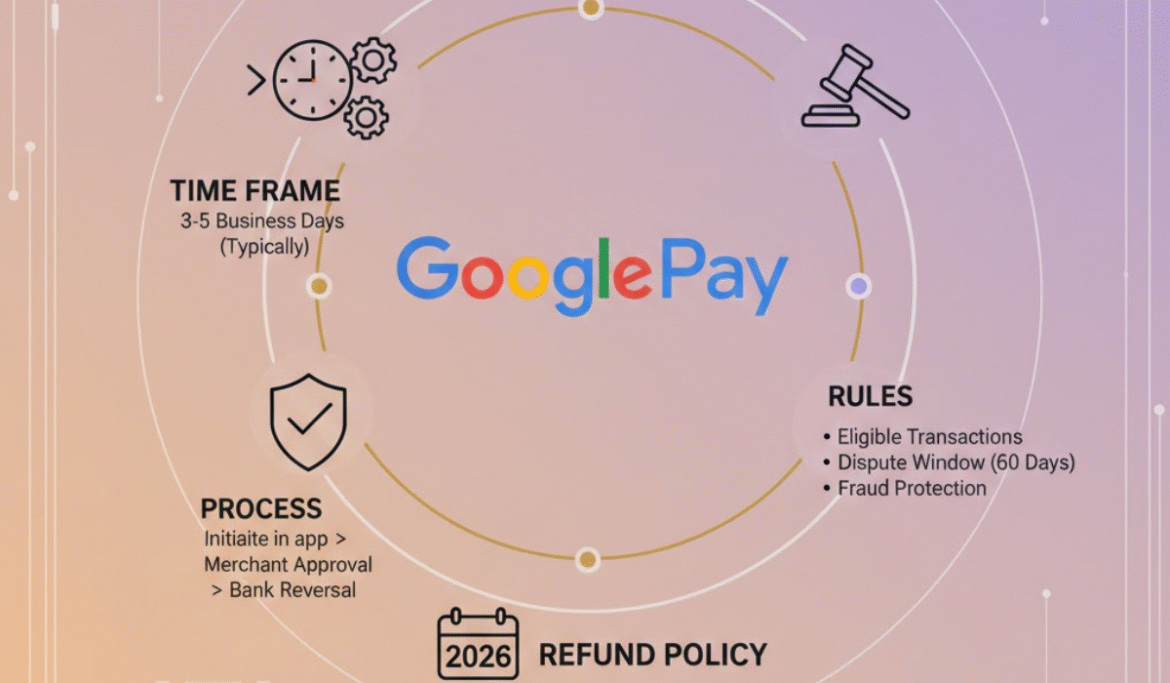
Google Pay Refund Policy is one of the most searched questions by digital payment users in India and even abroad. As people increasingly rely on online payment for their day-to-day activities like mobile recharge, bill payments, shopping and even subscriptions and peer-to-peer transfers, there’s bound to be a refund involved. None of us wants to be in a situation with failed transactions, duplicate payments, cancelled orders or an issue with the merchant and wonder a single question: How do I get my money back and when?
In this comprehensive guide, we will break down the Google Pay refund process, talking about failed transactions, merchant refunds, UPI reversals and processing timelines, as well as eligibility criteria and troubleshooting slow or missing refunds. By the end of this post, you’ll have a clear understanding of the process behind refunds in Google Pay and an insight into how you can resolve problems with refunds effectively.
Read Also: Steam Refund Policy (2025): How to Request a Refund & Get Your Money Back
Quick Information: Google Pay Refund Policy
| Aspect | Details |
|---|---|
| Policy Name | Google Pay Refund Policy |
| Applicable To | UPI payments, bill payments, recharges, and online purchases |
| Refund Initiated By | Merchant or service provider |
| Instant Refunds | Possible for failed or reversed transactions |
| Standard Refund Time | 3–10 working days (varies by bank & merchant) |
| UPI Failed Transaction Refund | Usually within 2–5 working days |
| Recharge/Bill Payment Refund | 5–7 working days (if applicable) |
| Refund Status Tracking | Available inside Google Pay app |
| Customer Support | Google Pay Help Center & in-app support |
| Extra Charges on Refund | None charged by Google Pay |
What Is Google Pay Refund Policy?
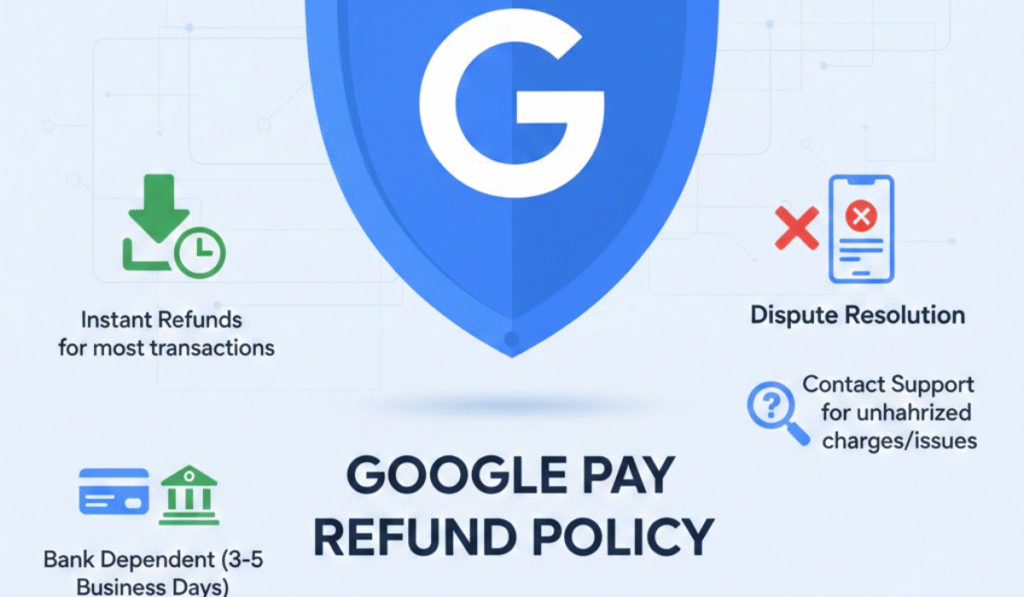
Google Pay refund policy, as would be expected, applies to a very specific set of rules and protocols outlining when and how users get their money back if an otherwise supposed-to-be fact transaction with Google Pay doesn’t play out. Google Pay is not storing your money; it’s a facilitator of payments between you and the bank, merchant or recipient.
When you get a refund Refunds on Google Pay are based on:
- The type of transaction
- If the payment has not been successful, failed or was cancelled.
- The merchant’s refund policy
- Banking and UPI network timelines
In order to prevent confusion and panic, it is important to be aware of such confounding factors.
How Google Pay Transactions Work
Before we go more into the Google Pay refund policy, it’s good to know how payments are processed by Google Pay.
Google Pay works primarily through:
- Indian UPI (Unified Payments Interface)
- Debit/Credit Cards for Online/Purchases inside the App
- Bank transfers are available associated with your Google account
When you make a payment:
- Google Pay forwards that request to your bank
- The bank processes the transaction
- The recipient’s bank confirms receipt
In case any one of these steps fails, a refund procedure is automatically executed as per Google Pay’s refund policy.
Read Also: Dicks Sporting Goods Return Policy
Types of Refunds in Google Pay
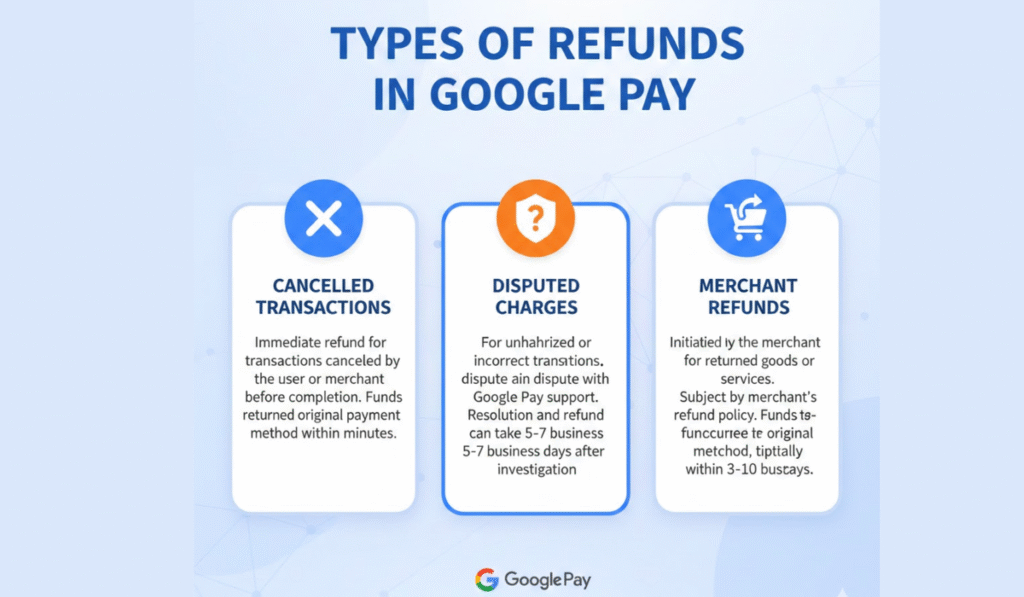
Google Pay refund policy varies based on the kind of transaction. Here are the key forms of returns users end up seeing.
Failed or Pending UPI Transactions
- Many Google Pay refund policy inform about this happening. This is the most popular case of the Google Pay Refund Policy.
- What happens?
- The money comes out of your bank account.
- The status of the transaction is Failed or Pending
- The receiver does not get any money
Refund timeline:
- Usually within 24 hours
- In exceptional cases, possibly up to 3-5 working days
- UPI rules say that the transaction will be automatically reversed if it fails. If you don’t see the refund by this time, contact Google Pay support.
Successful Payment but Order Cancelled
- When you pay a merchant (shopping app, utility service, or subscription) and later cancel the order, the refund is influenced by both of these:
- The merchant’s refund policy
- The Google Pay refund policy
Key points:
- Google Pay doesn’t auto-update refunds on its own
- The merchant has to refund the money
- When the refund has been initiated, Google Pay marks the transaction status as refunded.
- Refunds typically take 3 to 10 business days, depending on the merchant.
Duplicate Payments
- You know what, sometimes the users pay double because:
- Network issues
- Multiple clicks on the payment button
- App lag
- According to Google Pay refund policy, Duplicate payment are usually:
- Automatically reversed if detected
- Or refunded after merchant verification
If the donor only confirms that one payment was received, then any over and above payment is automatically refunded or processed on a complaint basis.
Incorrect Payment to Another User
- One of the trickiest situations is sending money to the wrong UPI ID.
- Important to note:
- Refunds while transferring money from Google Pay to the bank may also not be guaranteed.
- Google Pay cannot take money back from a successful UPI transaction.
What you can do:
- If possible, contact the recipient and ask them to return the money.
- Open a support ticket (for mediation – it vitally depends on the recipient’s cooperation)
Refund Timelines as per Google Pay Refund Policy
Here’s a general overview of refund timelines:
| Transaction Type | Refund Time |
| Failed UPI payment | 24 hours – 5 working days |
| Pending transaction | Auto-reversal within 3 days |
| Merchant refund | 3–10 business days |
| Card payment refund | 5–14 business days |
| Subscription cancellation | As per the merchant terms |
These timelines are indicative and may vary slightly depending on banks and service providers.
How to Check Refund Status on Google Pay
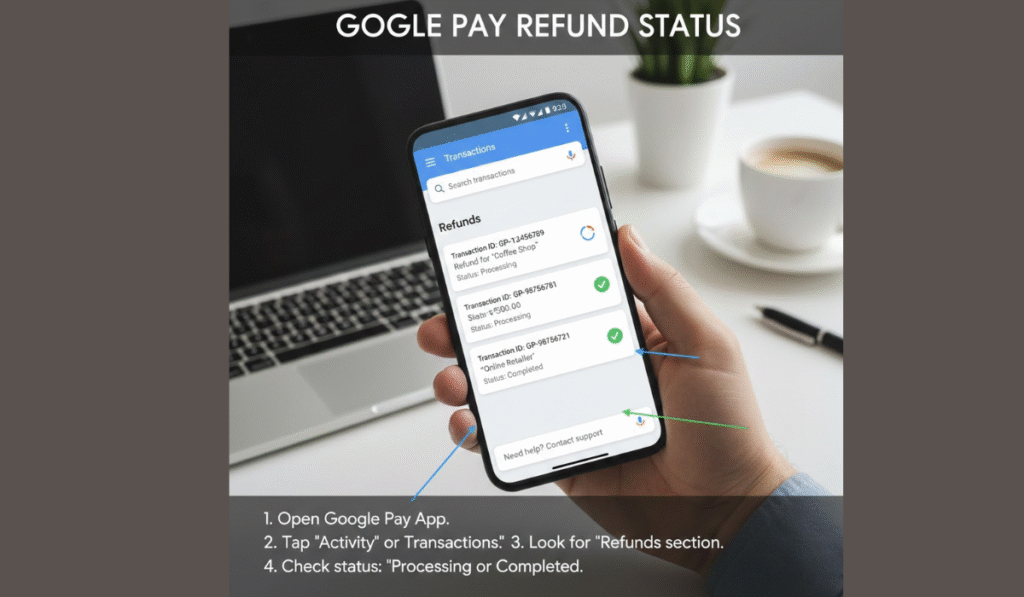
Follow these steps to monitor refunds as per the Google Pay refund policy:
- Open Google Pay
- Tap on your profile photo
- Go to Transactions
- Select the specific transaction
- See the Details (Refunded / Pending / Failed)
If the refund is made, it will give you a reference number with which to track down your bank.
Read Also: American Eagle Return Policy
Google Pay Refund Policy for Bill Payments
Online bill payments (electricity, water, gas, broadband and DTH) have a partial refund process.
- When bill payment fails → auto-refund happens
- If the bill is settled but cancelled later, up to the billing company
The refund will also be reflected in your next monthly bill instead of being deposited into your bank account.
Refund Policy for Google Pay Subscriptions
Subscriptions charged to your Google Pay account, such as on apps and streaming services, as well as cloud storage, are controlled by:
- Google Play’s subscription policy
- The service provider’s cancellation terms
Important points:
- Some subscriptions are non-refundable
- Eligibility for a refund is determined by the timing of cancellation
- Partial Tiers: Partial refunds may OR may not apply,
- Make sure to check subscription terms before you buy.
What to Do If a Refund Is Delayed
If you haven’t received your refund within the above-mentioned timeline in Google Pay refund policy, do this:
- Wait for the suggested time limit of most operations
- Please refer to the transaction for the refund reference
- Touch base with the merchant (for merchant refunds)
- File a complaint in the Google Pay app
- With the UTR number, inform your bank
In most cases, delayed refunds are due to delays between funds having been deducted from your account and receipt of cash back at stores, pending status or that the purchase is being processed by the bank.
Common Reasons for Refund Delays
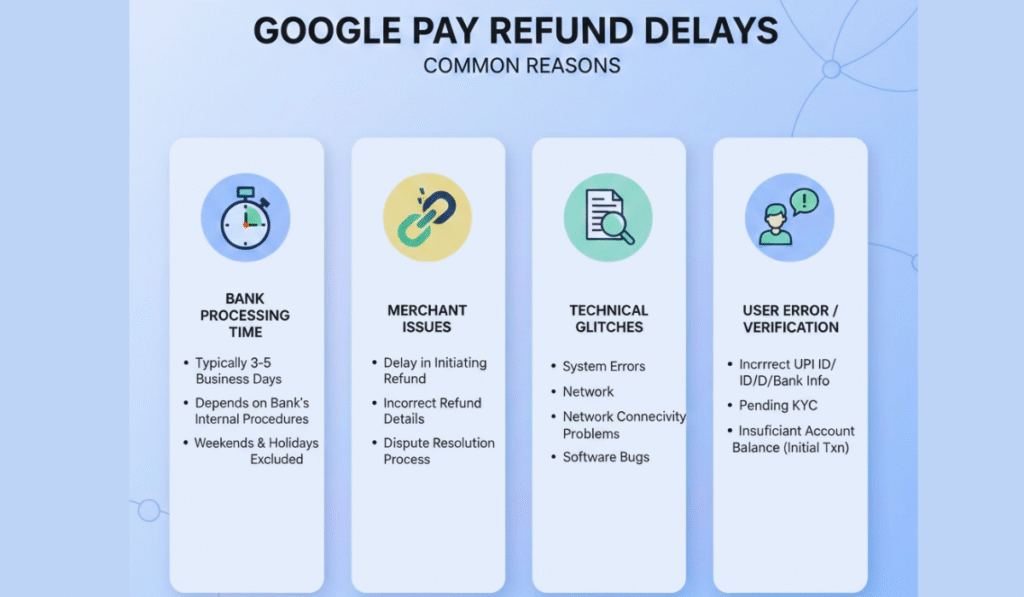
Returns may take longer because of:
- Bank server issues
- Weekends and public holidays
- Incorrect merchant refund initiation
- High transaction volume
- Card network processing delays
These setbacks are typically temporary and certainly don’t mean you’ve lost your money.
Is Google Pay Refund Guaranteed?
The refund policy at Google Pay provides coverage for unsuccessful withdrawals and pending transactions. However:
- Payments to the incorrect user cannot be successfully made
- All merchant-initiated refunds rely on merchant cooperation.
- Refunds: There are no refunds on subscriptions.
This is why users are always encouraged to confirm payment details before sending money.
Safety Tips to Avoid Refund Issues
To minimise refund-related problems:
- Check UPI ID or mobile number before you pay.
- Avoid repeated taps during payment
- Keep transaction screenshots
- Use stable internet connections
- Read merchant refund policies carefully
- Prevention is better than refund chasing any day.
Read Also: Meesho Refund Policy: Complete Guide to Returns, Exchanges, and Refunds
Conclusion about Google Pay Refund Policy
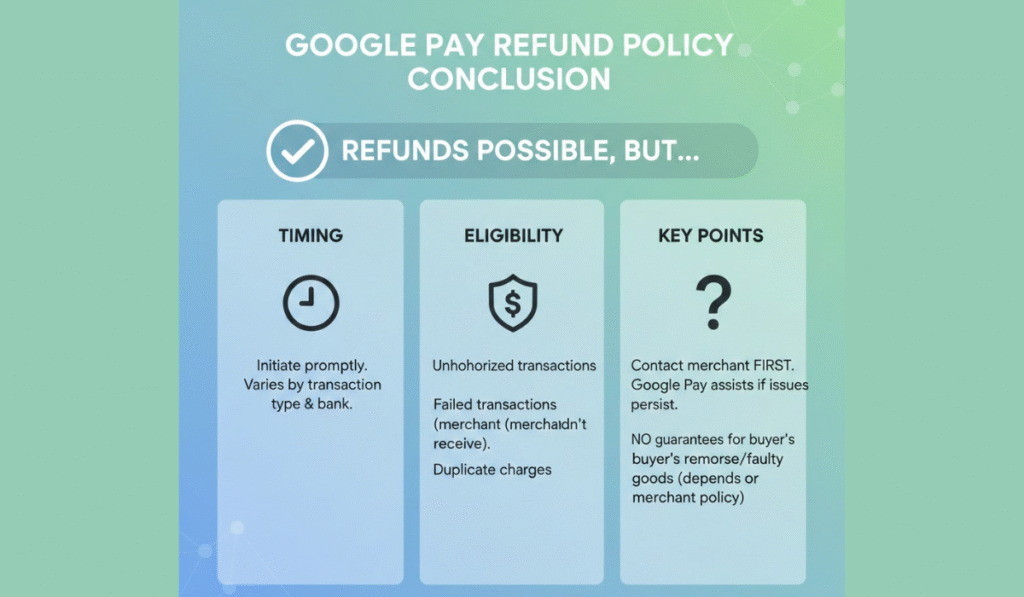
The Google Pay refund policy is formulated in a way that it protects users from any kind of failed, pending or inaccurate transactions. While Google Pay doesn’t process the refunds themselves, they make sure to give users a reliable support system and tracking feature so that they always get their refund (if it’s justified!)
Learning about the rules around refunds can help you keep your cool, act responsibly and clear up misunderstandings quicker. Refunds are automatic most of the time, and patience and good follow-up is key.
Frequently Asked Questions (FAQs)
What is the policy for refunds of failed transactions on Google Pay?
Unsuccessful UPI transactions typically auto-refund in 24 hours to 5 working days.
How long does it take for Google Pay to refund money?
Processing times for refunds range from a few hours to 10 business days based on transaction type and bank.
Is there a way to unsend the received payment in Google Pay?
No. According to Google Pay refund policy, the successful UPI payments cannot be reversed without consent from the beneficiary.
What if the merchant won’t refund?
Then the answer is no, Google Folks cannot insist on a refund. You will need to settle with the merchant directly.
How do I file a refund claim on Google Pay?
Open the transaction → tap Need help → choose the issue → request.
Can I get a refund for subscription payments on Google Pay?
Some subscriptions are refundable – check the time of cancellation and the service provider’s terms.
Is there any return fee on Google Pay?
No, Google Pay does not have any costs for refunds to consumers.
How do I get a refund if my money is deducted but not added?
Wait 24 hours, and if the refund doesn’t appear, raise a complaint through the app.
Read Also: Myntra Refund Policy || Steam Refund Policy || Flipkart Refund Policy